
Personalized guidance and support
Student Success Specialists are here to help you navigate your North Shore Community College experience. Whether you’re new to NSCC, returning after time away, or simply have a question, your specialist can provide personalized guidance, connect you with the right resources, and help you stay on track toward your goals.
Students, reach out to get started
-
New students: If you haven't set up your myNorthShore account yet, please email maarias@northshore.edu.
-
Continuing students: To get started, please schedule an appointment through Navigate.
If our Student Success Specialists aren’t the right point of contact, they’ll connect you with someone who can help.
Professors, invite us to your class
Student Support Specialists are available to visit your class and connect students with valuable resources and support. Presentations can cover topics such as Navigate, academic resources, preparing for the semester, and more. A Student Support Specialist can also serve as an additional point of contact for students who have questions or need extra support.
Interested in a class visit? Complete our request form.
Meet the Student Success Specialists team


Shannon Cormier
(She/Her/Hers)
Student Success Specialist, Lynn Campus
Email: scormier@northshore.edu
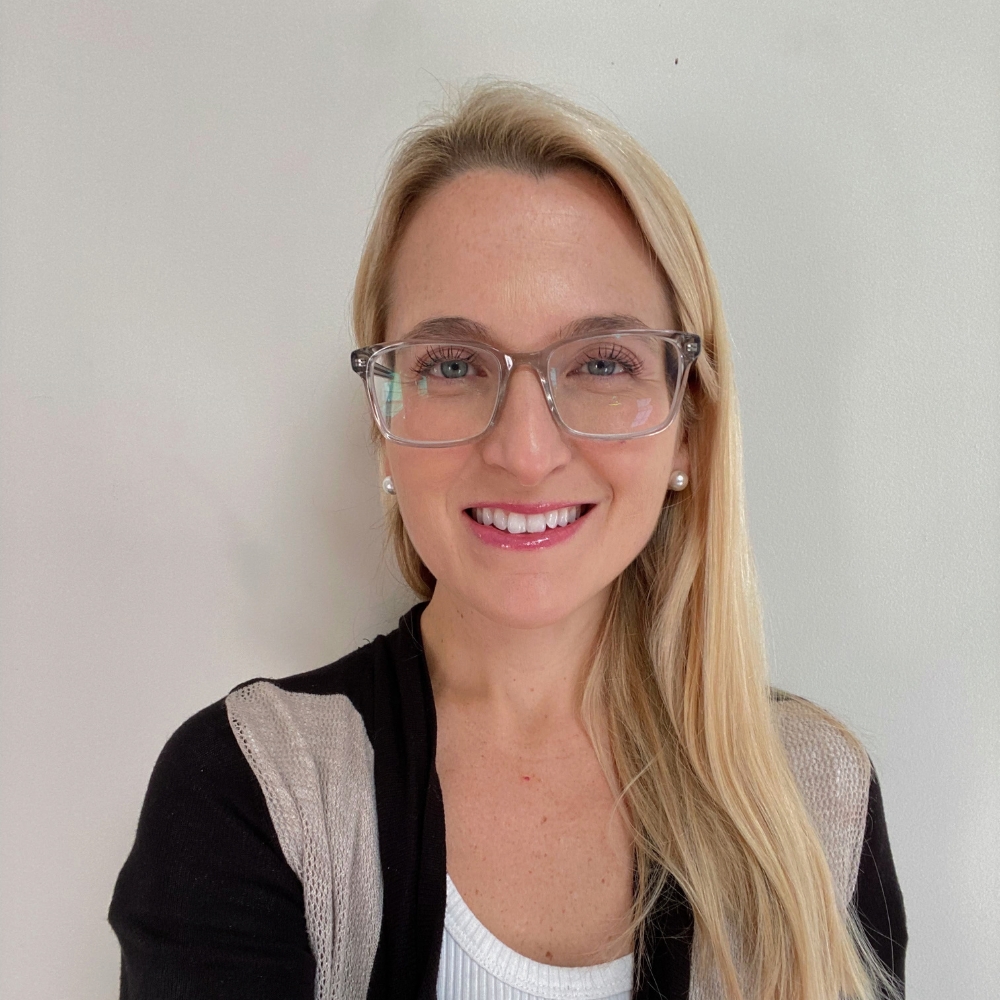

Note: New students who haven't set up their myNorthShore account yet, can book an appointment by emailing maarias@northshore.edu.
| Steps and resources that help you succeed at NSCC |
|---|
1. Set Up Your New Student AccountYour MyNorthshore account is the easiest way to access all the resources available to you. Resources like Blackboard, Navigate, Course Registration and Your Email all reside in myNorthShore, this is why it is very important you take your time to set up your account as soon as possible. |
2. Take Placement TestsAccuplacer Placement Testing is a set of standardized assessments used to evaluate students’ skills in subjects like math, reading, and writing to determine placement in appropriate courses. Learn more about Accuplacer Placement Testing |
3. Transfer Courses Into NSCCIf you have enrolled in a program of study and have provided NSCC with an official transcript from a previously attended institution, the Office of the Registrar will grant transfer credit for equivalent college-level coursework completed at institutions of higher education that are regionally accredited. |
4. Register for ClassesFor students who are new to NSCC, coming back to NSCC or transferring from another college, we highly recommend meeting with an Academic Advisor on campus or through Zoom. This will allow you to adjust or select courses, work with staff to answer your questions and coordinate other enrollment details. |
5. Request Services for a DisabilityNSCC’s Wellness and Accessibility Services works one-on-one with students to set up reasonable academic accommodations and services for students in credit and non-credit courses. Helping to implement accommodations and provide guidance to students with disabilities. |
6. Apply for Financial AidOver half of NSCC students receive financial aid to help cover tuition, fees, books, and more. Your eligibility is determined primarily through the Free Application for Federal Student Aid (FAFSA) or, for some students, the Massachusetts Application for State Financial Aid (MAFSA). |
7. Sign up for New Student OrientationOrientation is your launching point into NSCC life. You’ll learn how to use Blackboard and essential student technologies, understand academic expectations and student conduct, get your student ID, visit the bookstore, and explore extracurricular opportunities. After orientation, you’ll be fully prepared to succeed at NSCC. |
8. Waive your Health InsuranceStudents enrolled in a program and taking nine or more credits at NSCC are required to have health insurance according to the Massachusetts' Universal Health Insurance law. If you already have health insurance, you must submit a waiver, or you’ll be charged. You must do this every year. |
Frequently Asked Questions
Expand AllCollapse AllYou can find important dates, including registration deadlines, holidays, add/drop deadlines, and other academic dates on the Academic Calendar.
CentroHub is our virtual campus that allows you to connect with staff remotely when you are unable to visit campus in person. Use CentroHub to access virtual services and get the support you need from wherever you are
Tutoring and Academic Coaching are available to help you with coursework, study strategies, time management and setting up academic goals. Visit the website to learn more about available services and schedule an appointment.
The Office of the Registrar provides services related to transcripts, academic records, and forms. Visit the Registrar’s website to access forms, request transcripts, and find information about available services.
Transfer Services can help you explore transfer options, understand transfer requirements, and plan your transition to another college or university.
Find information about graduation requirements and the steps you need to take to apply for graduation by visiting the Graduation Requirements page. Review the requirements carefully and follow the instructions provided to complete the graduation process.
If you need to drop a course, be sure to check the add/drop deadline on the Academic calendar. If you are unsure how to drop a course, watch the tutorial for step-by-step instructions.
Check out the latest course offerings from North Shore Community College by visiting the Course Finder page.
Here’s a key to understanding the types of courses you can register for at NSCC.
Is Online learning right for me? Take the quiz to find out if Online Learning is a good fit for you.
Contact Us
If you have any questions or need further assistance, don't hesitate to contact us!
Email: maarias@northshore.edu
Office Hours: Monday-Friday, 9:00 am to 4:30pm
Locations: Danvers Campus (HPS Building), Lynn Campus (LS134, Student Support Center)